Here's what agents are saying about The Modern Guide to Querying Literary Agents...   

Sending Messages on QueryManager

Find Your Query Status Page

Whenever you send a query through QueryManager, you'll be given a link to a query status page for that query. This is a private page that no one else can view. It contains a copy of the query package you sent, and is where you can view the reply from the agent or publisher.

If you don't have the link to your query status page, you can recover it at querytracker.net/portal/recover.

You can also use this page to send messages to the agent/publisher.
Withdraw a Query

You can withdraw your query at anytime and for any reason.

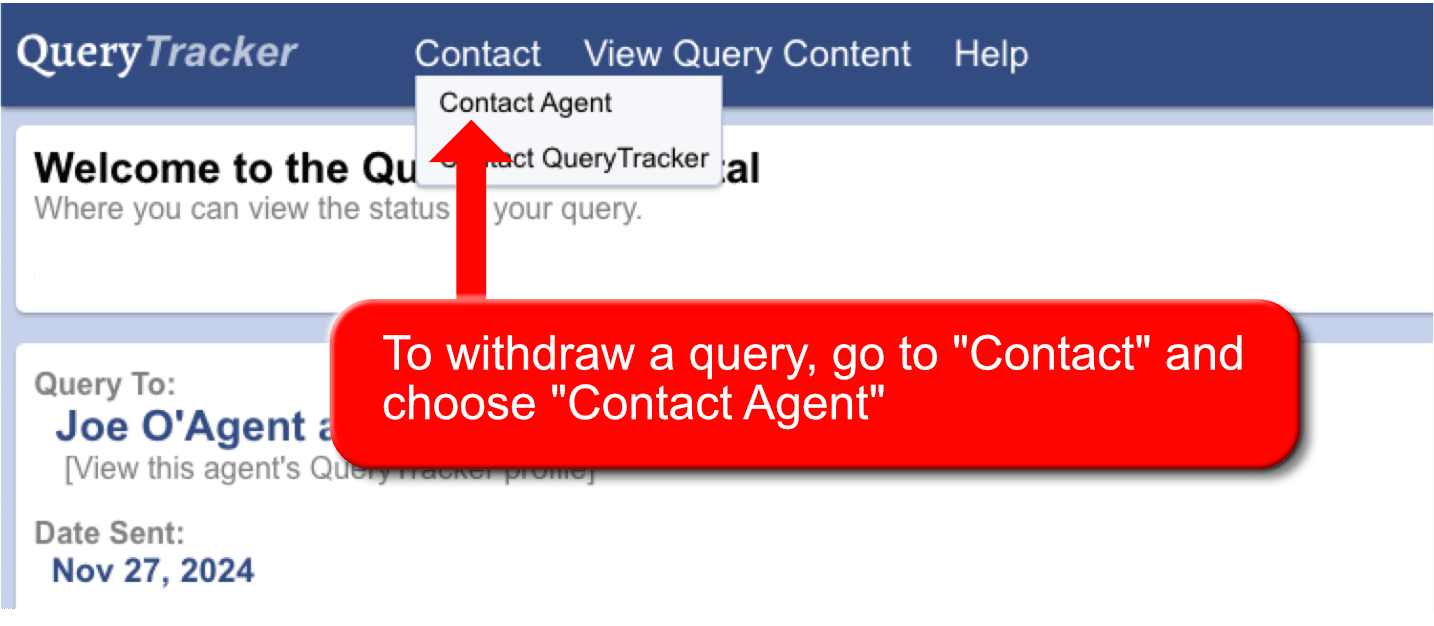
To withdraw, go to your query status page and click Contact in the top menu, then choose "Contact Agent".

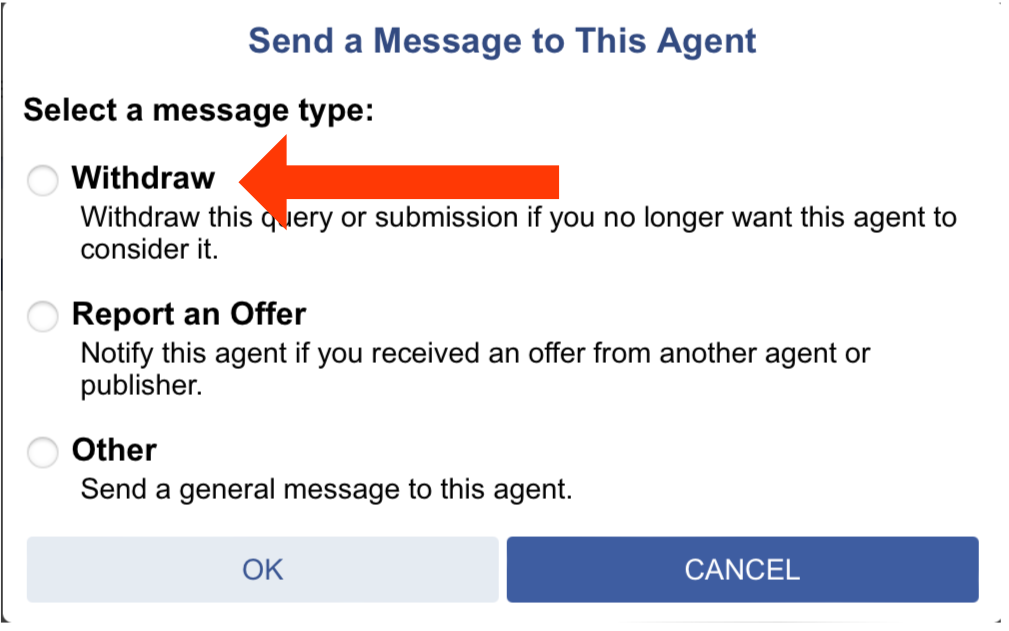
Choose the Withdraw Option, supply a short reason for withdrawing, then click OK.

The agent will be notified of this action, and your query removed from the agent's inbox. Though a record of the query will be kept for the agent's records.

Send an Offer of Representation Message

If you receive an offer of representation from another agent, it is considered a good practice to inform other agents who are still considering your query.

You'll want to let them know you received an offer, so they can move you to the front of their line and determine if they would also like to present an offer.


To send a notification, go to your query status page and click Contact in the top menu, then choose "Contact Agent".

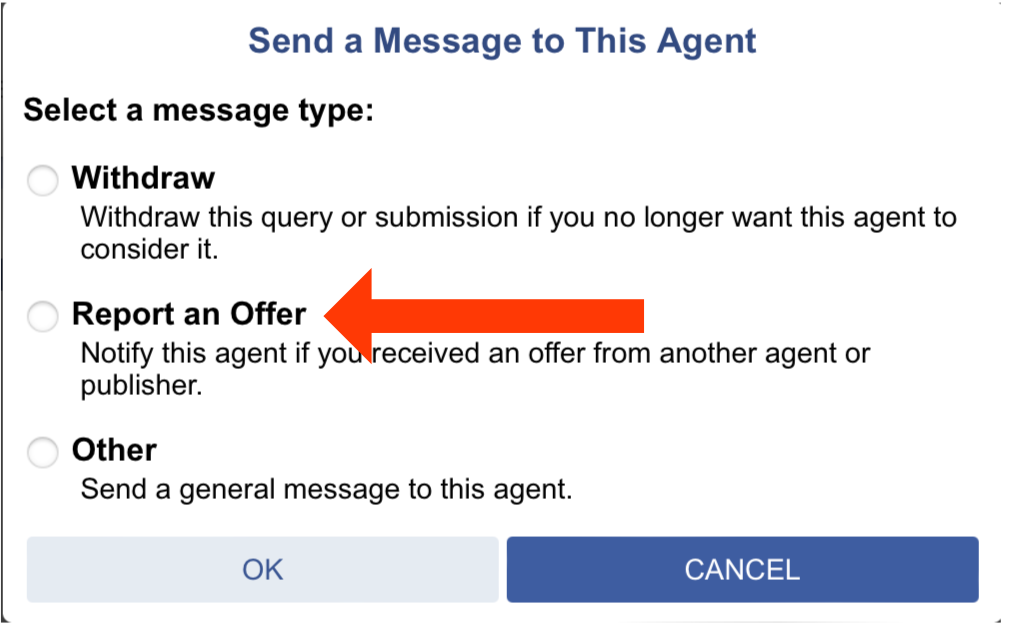
Choose the Report an Offer Option. You'll be provided with a box to supply more details, then click OK.

Send a Nudge or General Message

The option to nudge or send a general message may not always be available, since agents have the option to enable or disable this feature.

So, if you don't see this option, that means the agent has it turned off.


To send a general message or nudge, go to your query status page and click Contact in the top menu, then choose "Contact Agent".

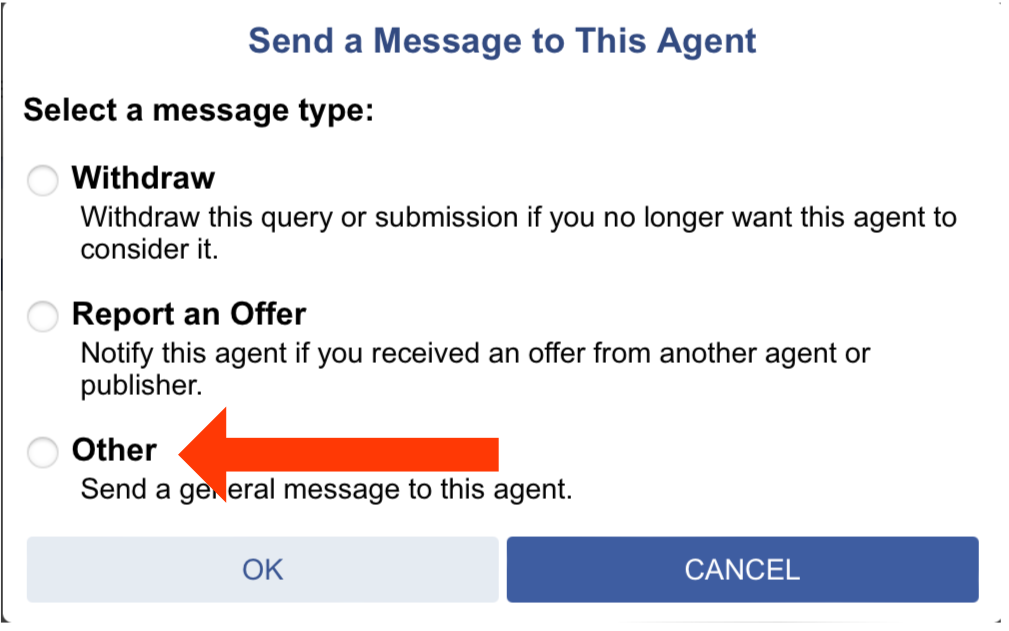
Choose the Other Option. You'll be provided with a box to supply more details, then click OK.

If you don't see the Other option, that means the agent has it turned off and you wont be able to contact them in this way.